
How Snifferdog works
Five steps, from the brief in your inbox to campaigns live on four platforms. Here's what happens at each one, and where you're in charge.
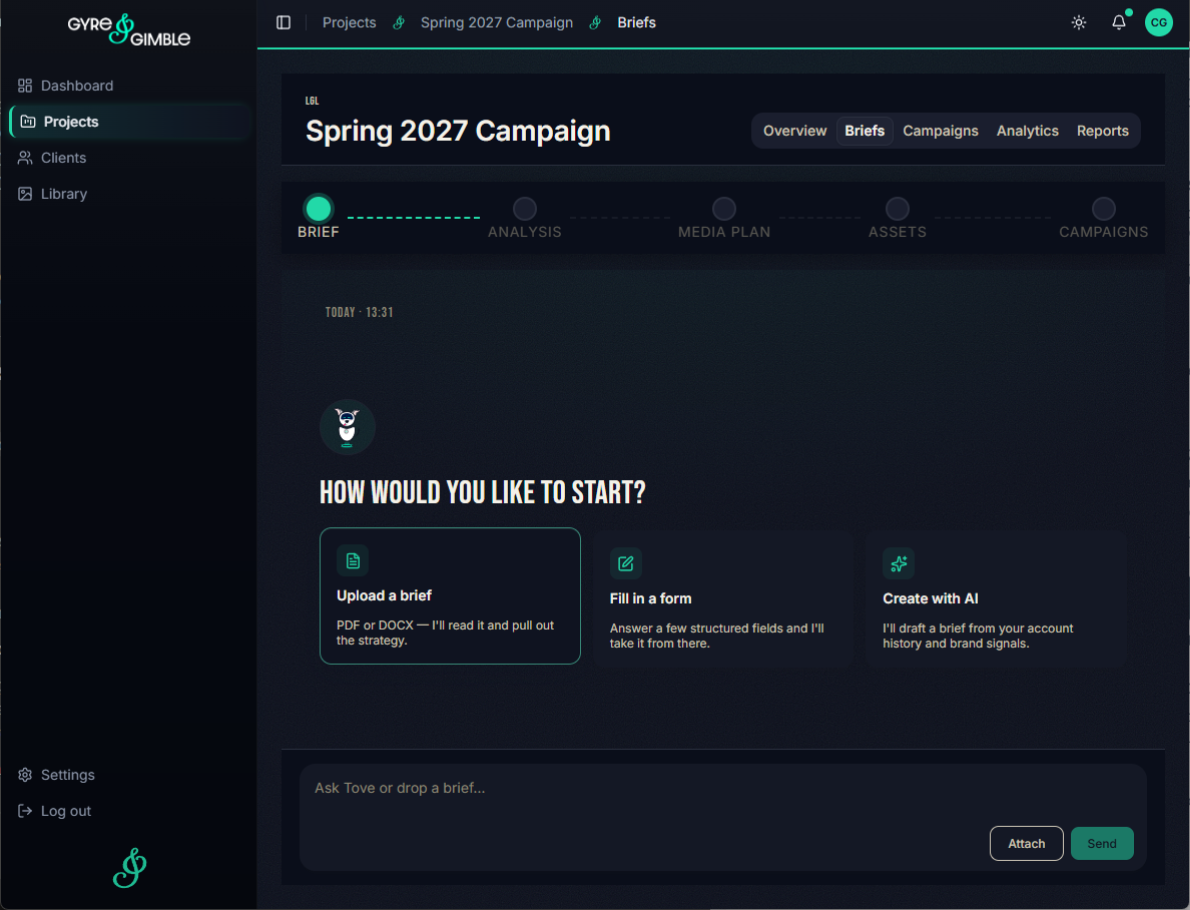
1. Brief
Upload a brief as a PDF or Word document, or write one directly into the platform. Snifferdog reads your goals, audience and budget.
Three ways in
Upload a PDF or Word brief, fill in a short form, or start from a few lines with AI.
Already running?
Connect a campaign that's already live without briefing it in from scratch.
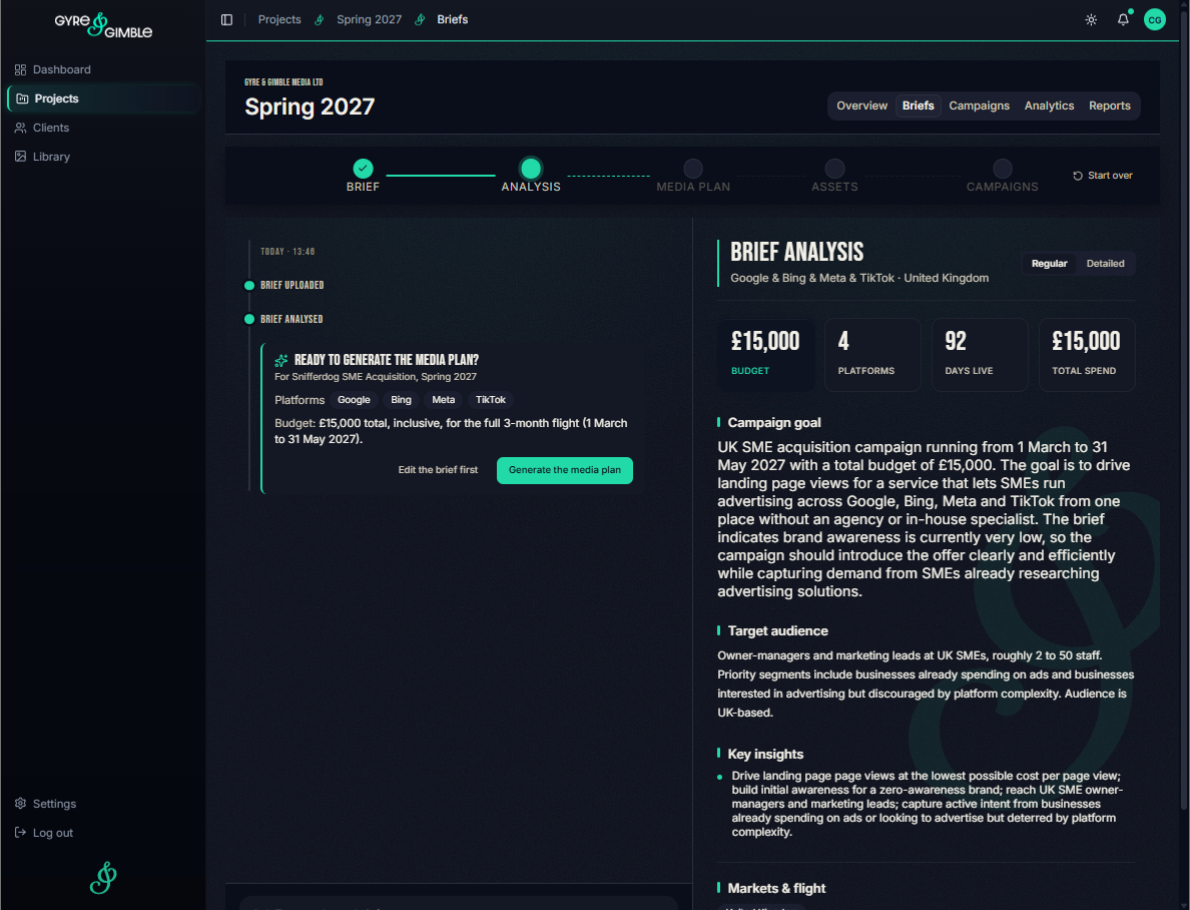
2. Plan
Snifferdog builds a media plan from your brief and your own historical performance data, showing platform split, audiences, budgets and formats.
Your history, not guesswork
Where you have past campaigns, the plan starts from what actually worked in your own accounts.
Every line editable
Change dates, the budget split, ad copy, ad sets and locations.
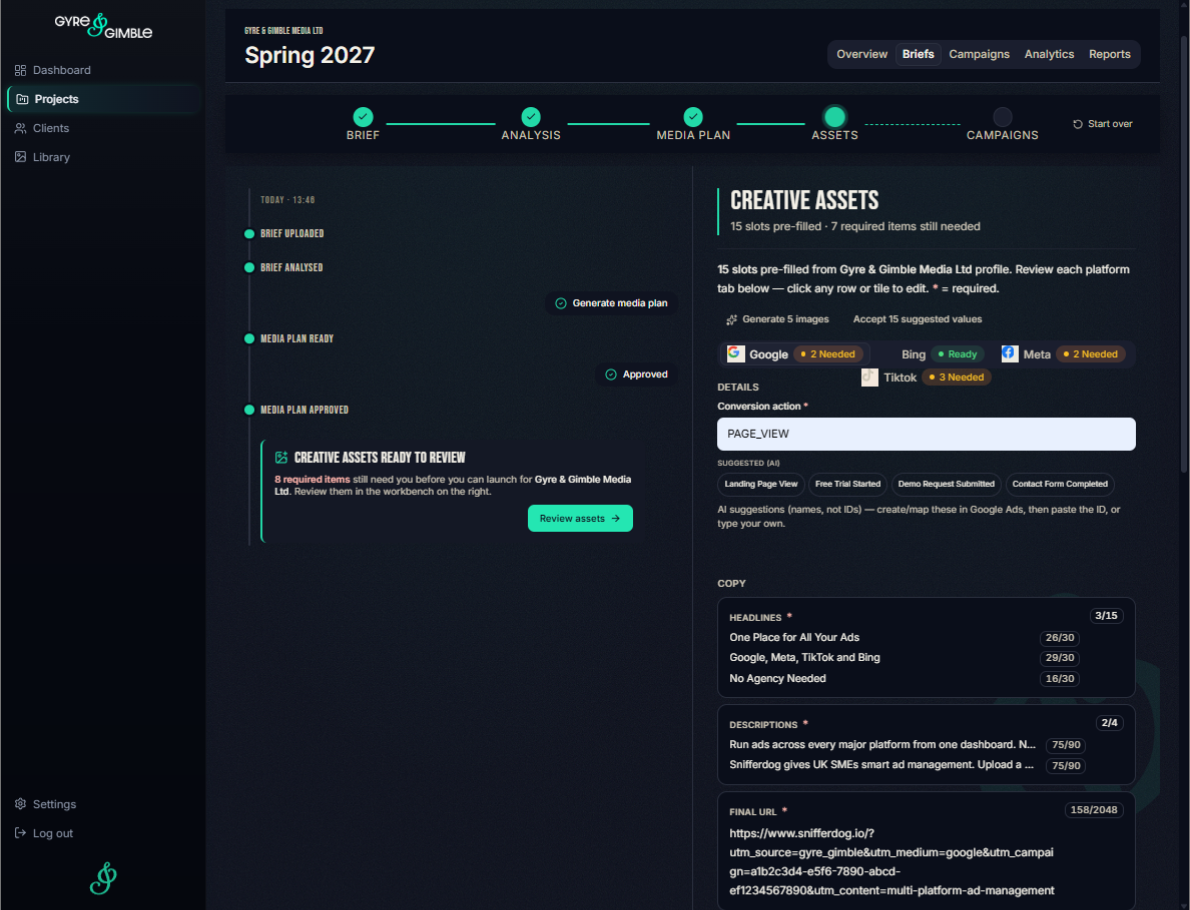
3. Approve
Review the plan and the creative before anything happens. Nothing goes live until you approve it.
Creative, checked
See your ads cropped for each platform before you sign off.
Nothing goes live without you
Every plan waits for your sign-off before it goes anywhere.
4. Launch
One click launches the approved plan on Google, Meta and TikTok, with targeting, tracking and creative already set up. Reporting starts the moment it's live.
One click, four platforms
No rebuilding the same campaign in four ad managers. It runs in your own accounts, and spend goes straight to the platforms.
Pause from here
Pause or restart a live campaign without opening each ad manager.
5. Report
Every platform, ad group and ad in one view, exportable as a PDF. When a campaign ends, its results feed into your next plan.
One login, not four
No exports to stitch together in a spreadsheet.
Feeds the next plan
What worked carries forward, so each plan starts from your results rather than from scratch.